This is the document settings for the film poster, I have gone with an A3 sized poster, but could be distributed in different sizes for billboards, newspapers and magazines.
This is the first part of the film poster, where I have applied the fog through the brush tool. Although I may have to make some changes to the composition.
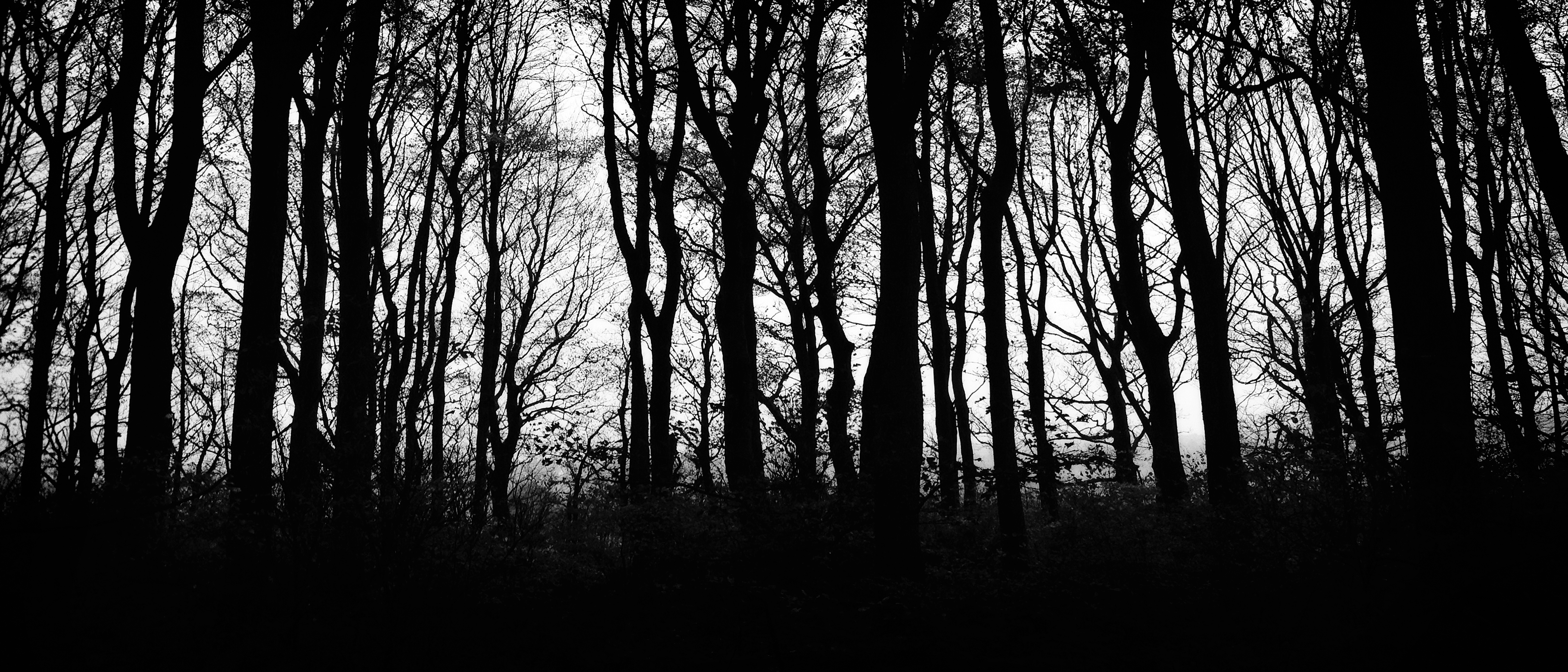
This is the forest silhouette (
https://tomorrowzworld.files.wordpress.com/2011/11/ms.jpg) that will be used as a temporary placement for the actual forest silhouette took by me .
Next, I chose to add a red background and then also a forest silhouette to see how it looks, as I go on further I believe their may be a few minor changes, or even one or two major changes. The forest was set to an opacity level of 11%, I believe this makes it also look like blood streaming down the poster, which could connote that the film is about death.
I then added the draft logo to see how it would appear on the film poster and so I positioned it to the conventional size and composition on the film poster.
After a review of my planning, I had came to the conclusion that the red and black colour theme does not contrast as well as I thought. But with a white and black theme, I feel the poster will stand out a lot more to audience as the colours juxtapose well together. With the red gone I feel it will lose the connotation of danger, white although does symbolise innocence, and with the forest silhouettes standing out as a black silhouette, this could maybe connote the black, connoted as death and guilt, effecting the innocence, in this case, the main protagonists innocence as he feels guilty for the death of his brother.
I also added the updated logo (the other now being used for Unit 15) and placed it in the midsection of the film poster.
I then added the tagline for the film, following the same theme, with the font, and also made it black to contrast well against the white background.
Next, I had added the credits, day of release and the names of the actors. I also updated the look of fog, so now it looks more mysterious and eerie.
Next I added the two character's portraits so that they were parallel to each other.
Draft 1:
Next I added a grayscale filter to the two faces.
Draft 2:


)